 Colabz
Colabz vs Kive AI
Two creative workspaces. One trains on your product, edits in five tools, and ships in Arabic. Here's where each is the better call.
The verdict
Colabz if you need custom model training, deep in-app editing, or Arabic. Kive if your job is a polished asset library with industry-specific style presets.
You've been running Kive for a while. Boards are full, the team's using it, the shots land. Now something's changed. A new product drops and the logo keeps shifting between renders. A brief calls for video and the reel format isn't right. A teammate opens the app in Dubai and asks why the UI doesn't flip.
Both Colabz and Kive generate product images, ship short video, and give teams a shared space to work in. The overlap is real. The difference lives in four specific moments — and if any of those moments describes your week, this is when the call changes.
Both platforms generate product images, support short video, and ship team workspaces. If your workflow is 'drop in a photo, pick a style, download the result,' either one will work.
Your product has to stay exact
Kive renders look great, but every generation reinterprets the subject. Logos drift. Materials soften. Colors shift a half-step. For campaign work that's fine. For a 500-SKU catalog it isn't. Colabz trains a LoRA on your actual product in about 30 minutes. Shape, logo, texture — pinned. The same product shows up identically across every shot. That's the difference between marketing material and usable ecommerce imagery.
The photo isn't the finish line
Kive generates. Colabz generates and then keeps going. Erase an unwanted element. Outpaint from a portrait crop to a 16:9 banner. Upscale to 4K for print. Swap the background. Five editing tools live in the same workspace, working on the same asset. No round-trip through Photoshop, no re-uploading between tools.
The full kit
Every tool you need. Nothing you don't.


Remove Background
Clean cutouts in one click. Transparent or custom backgrounds.

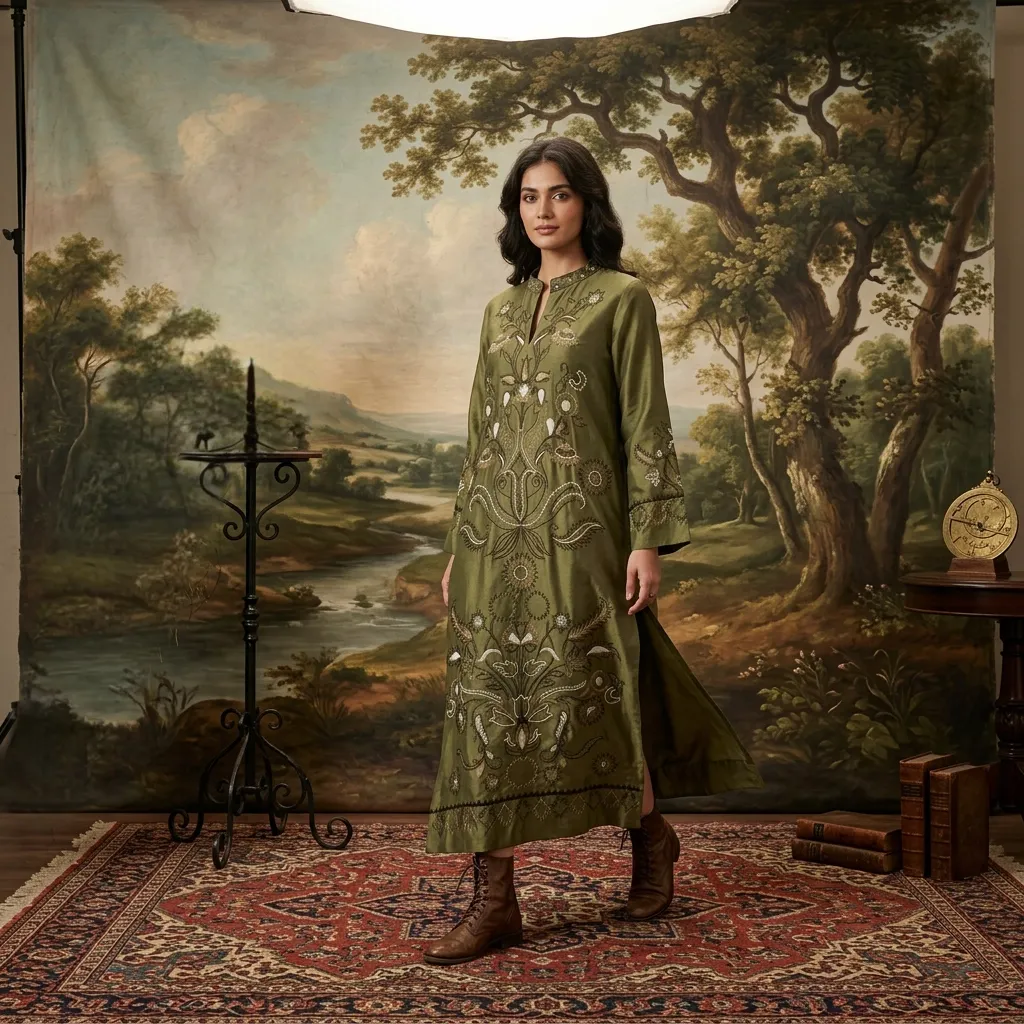
Erase Objects
Remove clutter, logos, or distractions with a clean AI fill.
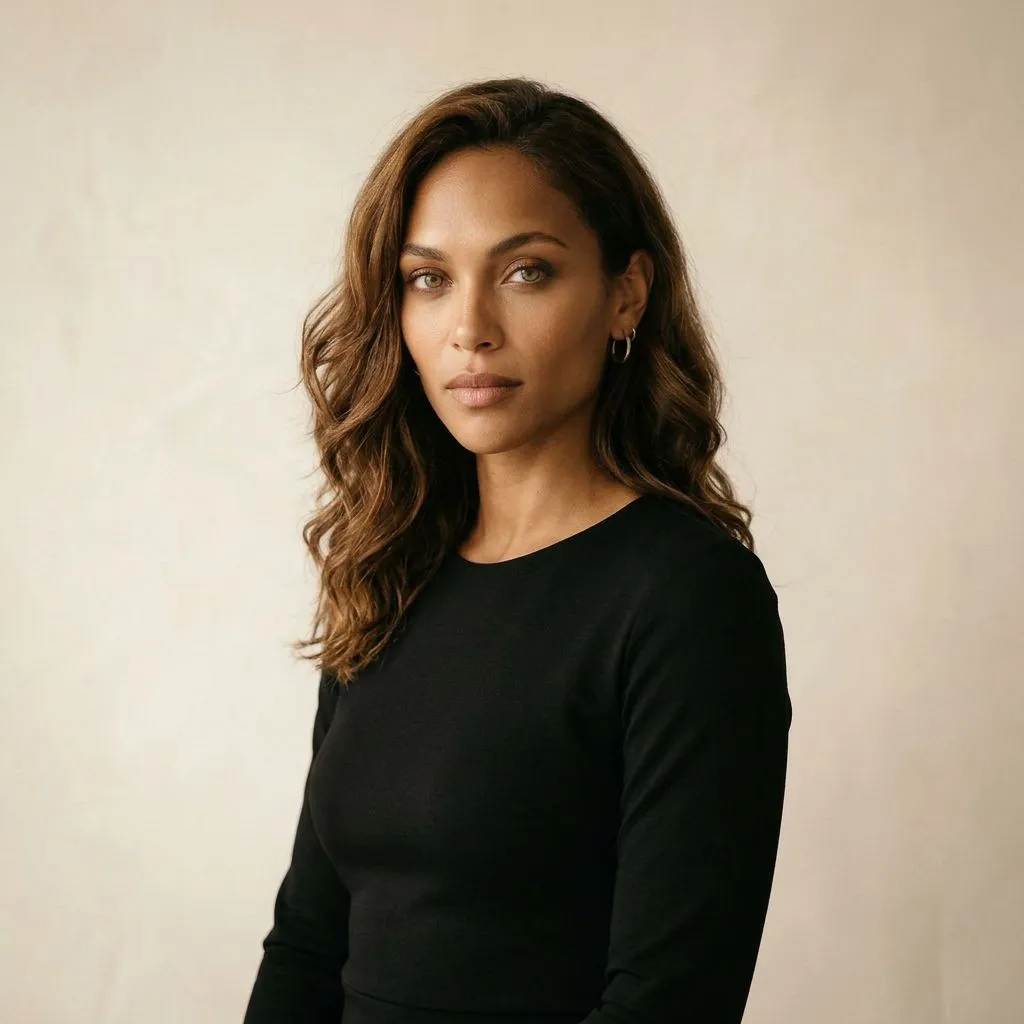

Replace Background
Swap the entire scene. Studio, outdoor, surreal, one click.
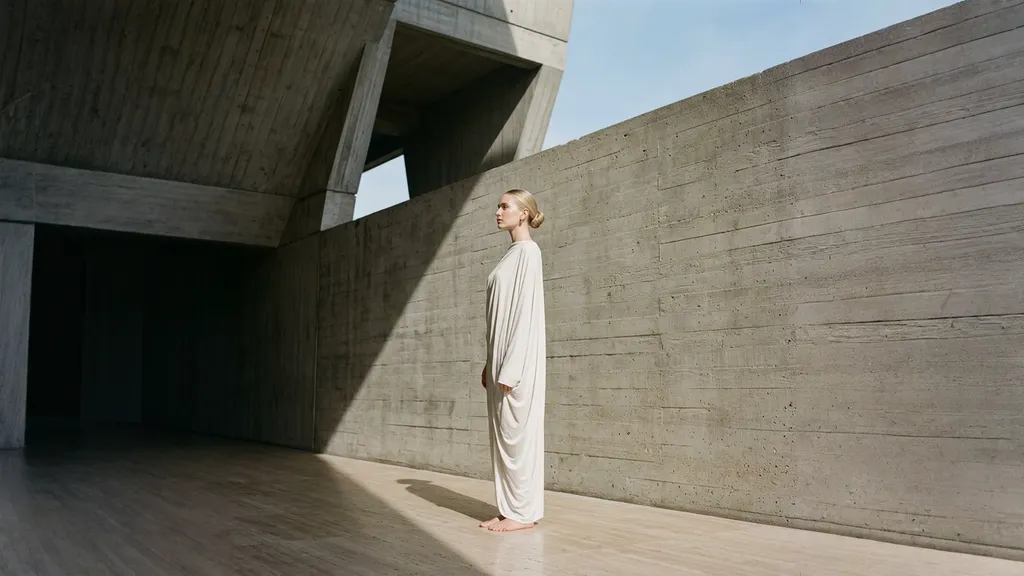
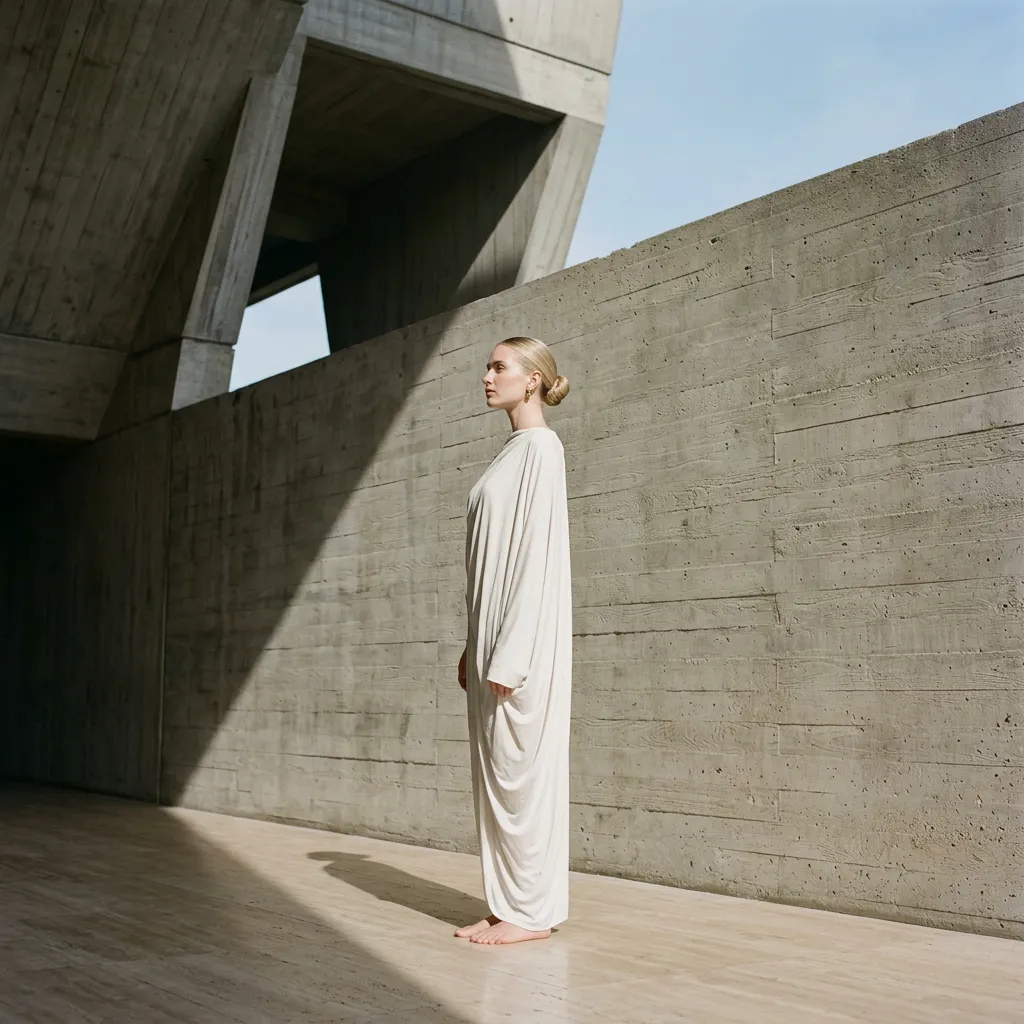
Extend & Reframe
Stretch to any aspect ratio. Add context, reframe for Stories or banners.

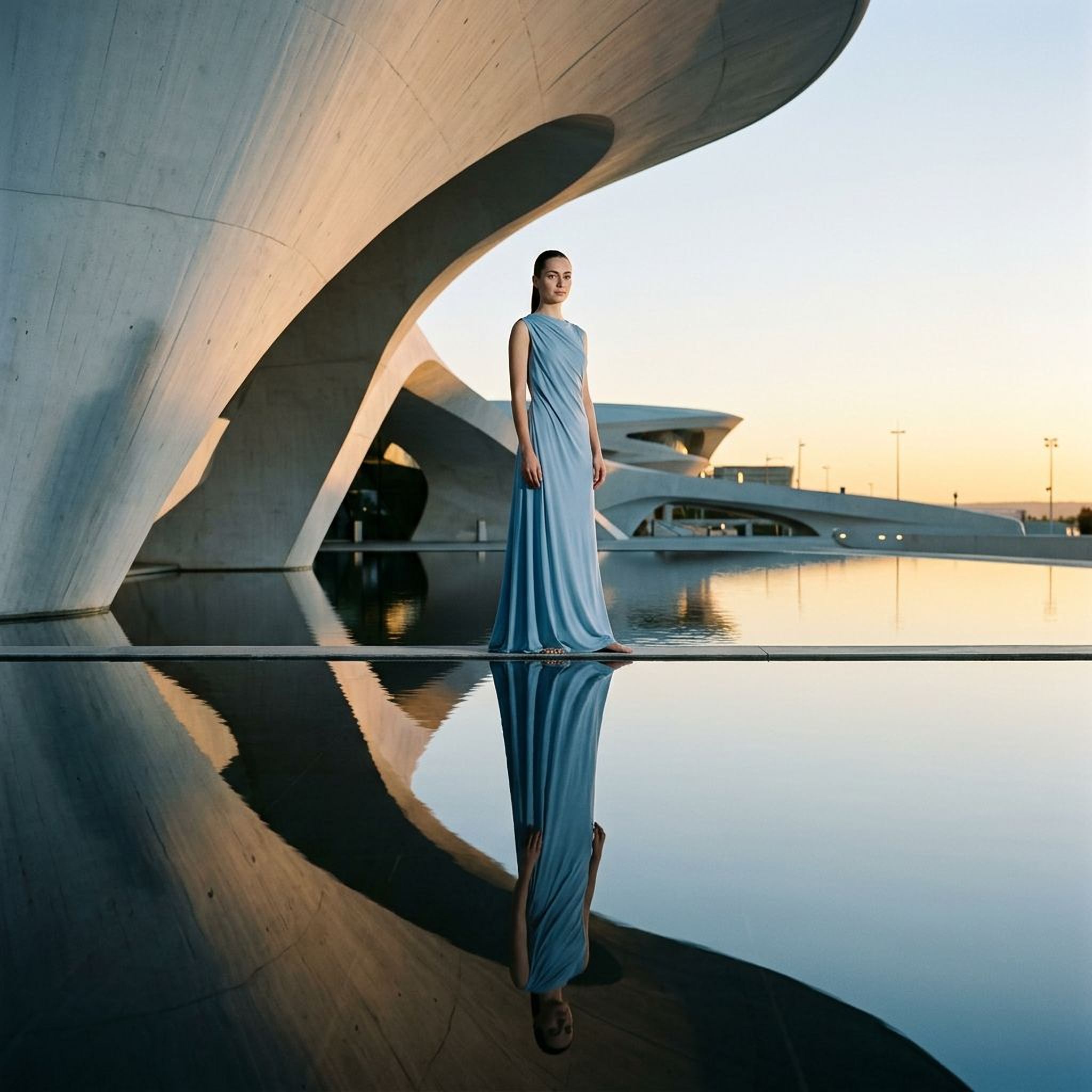
Upscale
Blow up to 4K without losing detail. Print-ready quality.
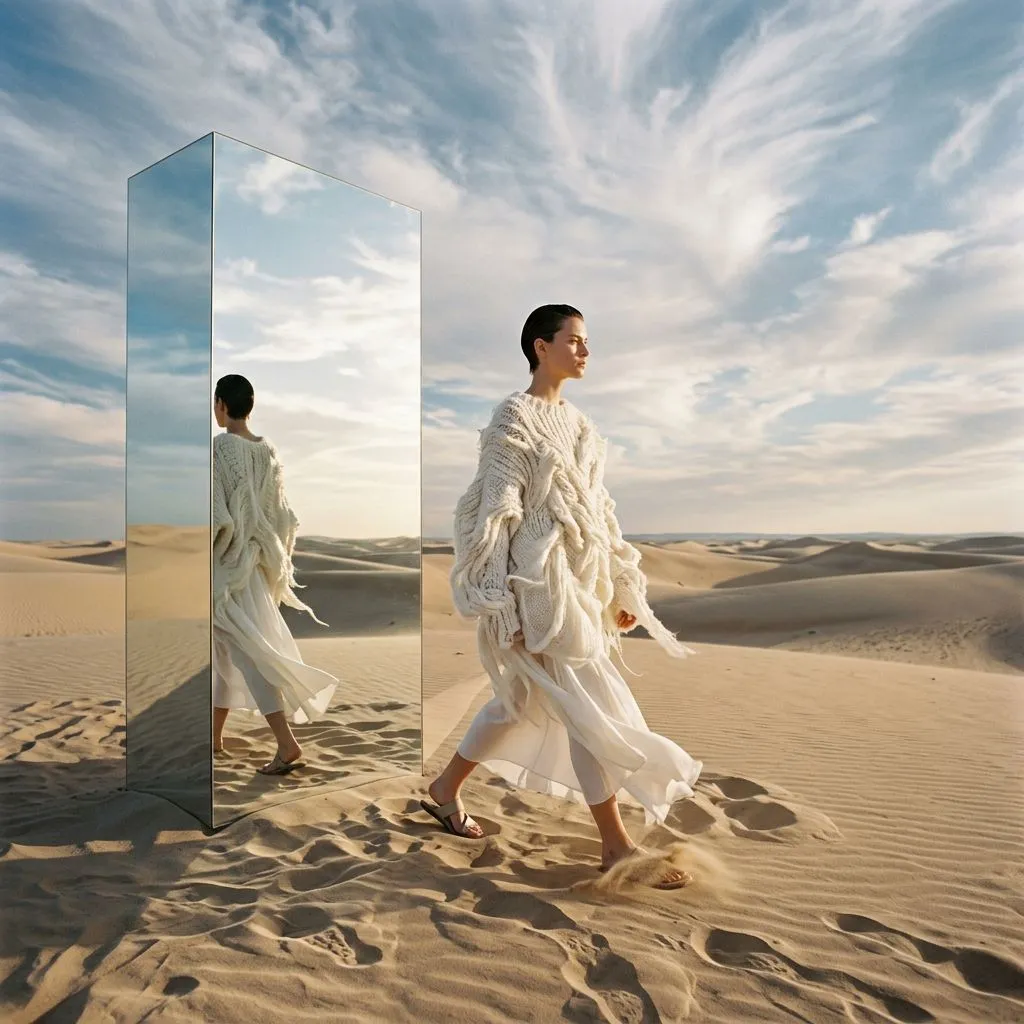
Image to Video
Turn any still into a scroll-stopping video ad in seconds.
Motion, not just stills
Kive ships short reels. Colabz turns any product photo into a video ad — rotations, camera moves, scene changes — on every paid plan starting at $20/mo. And because your product model is already trained, the subject in the video matches the photos exactly. Same product, new medium.
Not just photos
From still image to video ad in seconds.
Upload any product photo and generate a scroll-stopping video. Camera movements, audio, and effects, all from a simple prompt.
- Image-to-video in under 60 seconds
- Camera movements, zoom, pan , all from a prompt
- Audio generation included
- Export in 720p or 1080p for any platform
“We replaced our entire video ad production pipeline. Three people used to spend a week on what Colabz does in an afternoon.”
Not every team works in English
Colabz is fully bilingual. The whole app flips to RTL for Arabic — not Google-translated labels but a native layout. Kive's site and product are English-only. If your team or your customers are in the MENA region, this isn't a nice-to-have. It's the reason this page exists in Arabic too.
Being honest
Where Kive AI wins
Industry-specific style sets
Kive publishes dedicated style packs for Fashion, Skincare, Personal Hygiene, and Furniture out of the box. If you sell in one of those verticals and want a curated head start, Kive saves you configuration time.
Mature asset library surface
Boards, tagging, and library organization have had more iteration in Kive. If your team's pain point is finding last month's assets again, Kive's library feels more lived-in today.
Who's better at what
Score out of 10 per use case.
The full picture
Every feature, every call — honestly.
ColabzPricing, side by side
 Colabz AI
Everything above, included on every paid plan.
Free (40 credits, 5 boards), Basic from $15/mo billed yearly (1,000 credits, 3 seats), Pro from $75/mo billed yearly (5,000 credits, 10 seats), Enterprise on request. Headline prices are annual-equivalent; monthly billing is higher.
How teams move over
Moving is mechanical. Sign up, create a workspace, upload the same source photos you have in Kive, and either pick a studio preset or kick off a custom training run (~30 min). First render in under 10 minutes. There's no export tool and none is needed — both platforms work from your original product images.
Which one is right for you
Choose Colabz when
- You sell one product or a small catalog and need every shot pixel-accurate.
- Your workflow mixes photo, video, and heavy editing in the same afternoon.
- You serve Arabic-speaking customers or a MENA-based team.
- You'd rather pay a predictable monthly price than commit to annual.
Choose Kive when
- You mostly need a polished library with industry presets and boards.
- You don't need custom product training or deep editing tools.
- Your team is English-speaking and a left-to-right UI is fine.
Things people actually ask
Is Colabz AI better than Kive AI?
For custom product training, deep editing, or Arabic, yes. For a polished asset library with industry-specific style sets and no editing needs, Kive is excellent as-is.
Does Kive AI offer custom model training?
Kive's public tiers don't include custom LoRA training on your specific product. Colabz includes custom training on Creator 2K and Studio plans.
Is Kive AI's pricing public?
Yes. Free, Basic (from $15/mo yearly), Pro (from $75/mo yearly), and Enterprise on request. Monthly billing is priced higher than the headline annual-equivalent.
Can Colabz do everything Kive does?
The overlap is strong — image generation, video, boards, team seats, presets. Kive goes deeper today on industry-specific style sets and library UI maturity. Colabz adds custom training, deep editing, and Arabic.
Does Colabz offer boards like Kive?
Yes — boards, library storage up to 50,000 items on Studio, shared team assets. Kive has been iterating on the library UI longer, so it feels more polished today.
Can I import Kive assets into Colabz?
No direct importer, but re-upload your source product photos and train a custom model on them. That gives better consistency than a one-to-one import would.
Which is better for video?
Both generate short product videos. Colabz pairs video with custom-trained product models, so the subject stays accurate across shots. Kive's video sits inside its broader suite without product-specific training.
Is there a free plan on both?
Yes. Colabz gives 50 one-time credits. Kive gives 40 credits plus a throttled 1-image-per-30-minutes fallback.
Which supports Arabic better?
Colabz is fully bilingual with native RTL layout. Kive's product doesn't advertise Arabic support.
How fast is switching from Kive?
Under 10 minutes for a first render. Custom model training adds about 30 minutes the first time per product.
See alternatives by industry
More comparisons